
If you are traveling to Korea and don’t speak Korean, using a translation app is essential.
While Google Translate is widely used, Papago is often the better choice in Korea. It is developed by Naver and provides more accurate translations for Korean.
What is Papago?
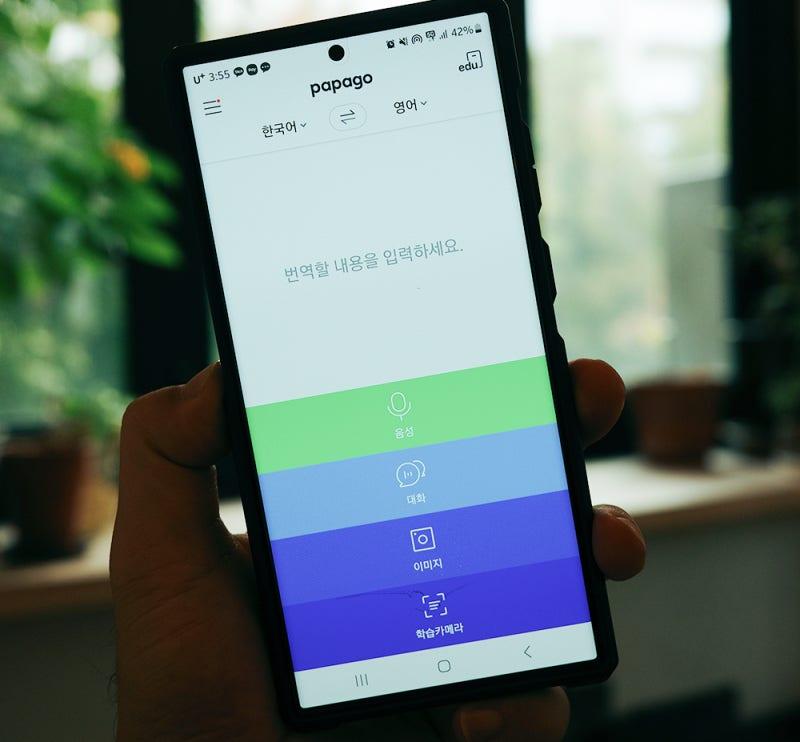
Papago is a translation app designed specifically for Asian languages, including Korean.
It supports:
- Text translation
- Voice translation
- Image translation
This makes it very useful when traveling in Korea.
Why Papago is Better for Korean
Papago is optimized for Korean, which means it often provides more natural and accurate translations.
Compared to Google Translate:
- Better Korean sentence structure
- More accurate context understanding
- Easier communication in real situations
For menus, signs, and conversations, Papago usually performs better.
How to Use Papago
Using Papago is simple and beginner-friendly.
- Open the app and choose your language
- Enter text or speak into the microphone
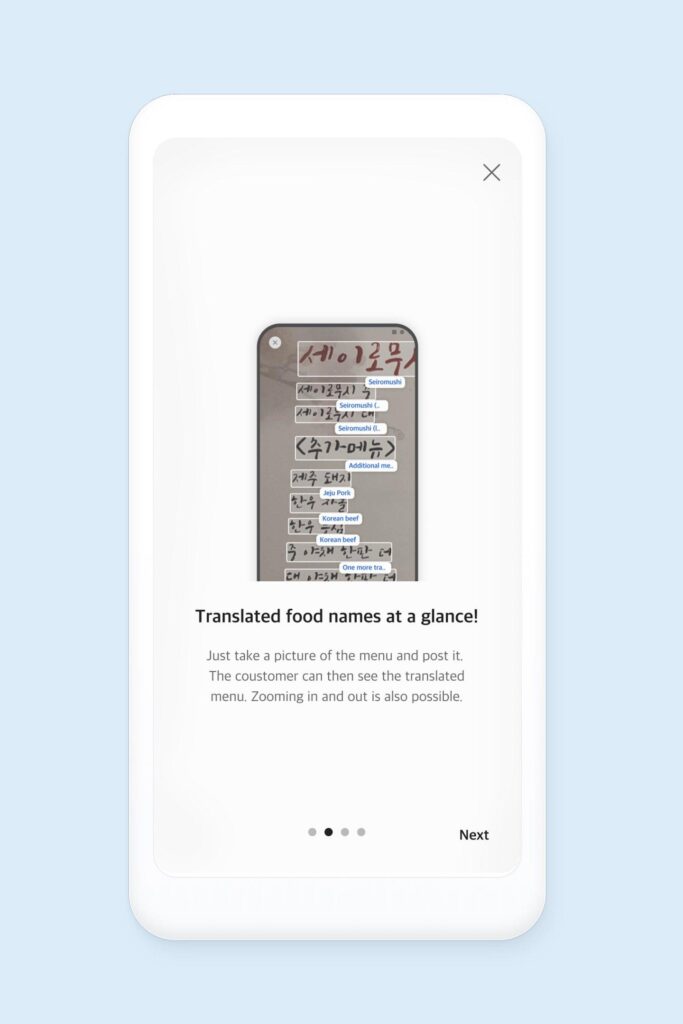
- Use the camera feature to translate signs or menus
The app will instantly show the translated result.
When to Use Papago
Papago is especially useful in situations like:
- Ordering food at restaurants
- Asking for directions
- Reading signs or menus
- Communicating with locals
Even basic translations can make your trip much easier.
Tips for Better Translation
To get the best results:
- Keep sentences short and simple
- Use clear pronunciation for voice translation
- Try copying Korean text when possible
These tips can improve translation accuracy.
Final Thoughts
Papago is one of the most useful apps for traveling in Korea.
By using it correctly, you can communicate more easily and enjoy a smoother travel experience.